A. Tap Send to continue.
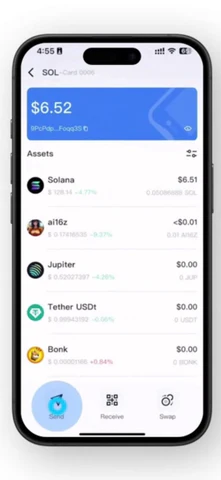
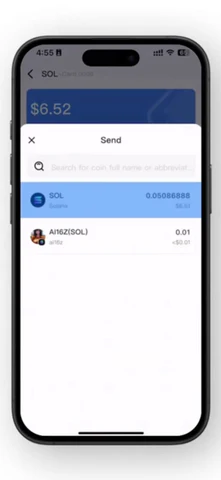
B. Choose the coin/token to be sent.
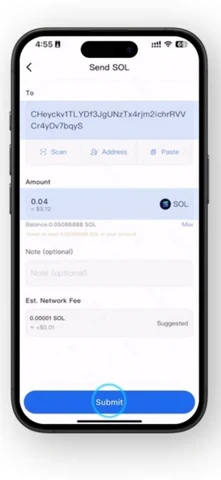
C. Check the details and then tap Submit.
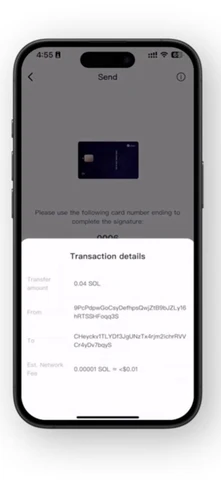
D. Check the transaction details.
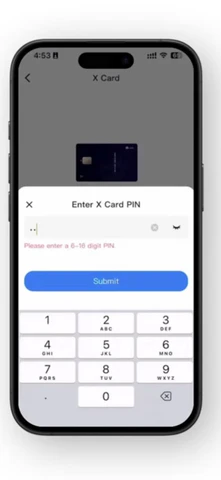
E. Enter your Card PIN.
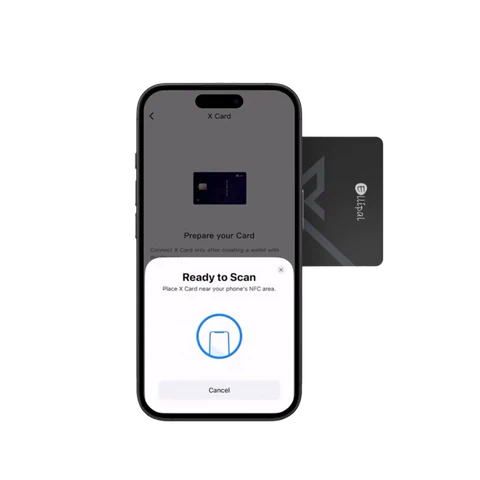
F. Hold X Card near your phone's NFC to sign.
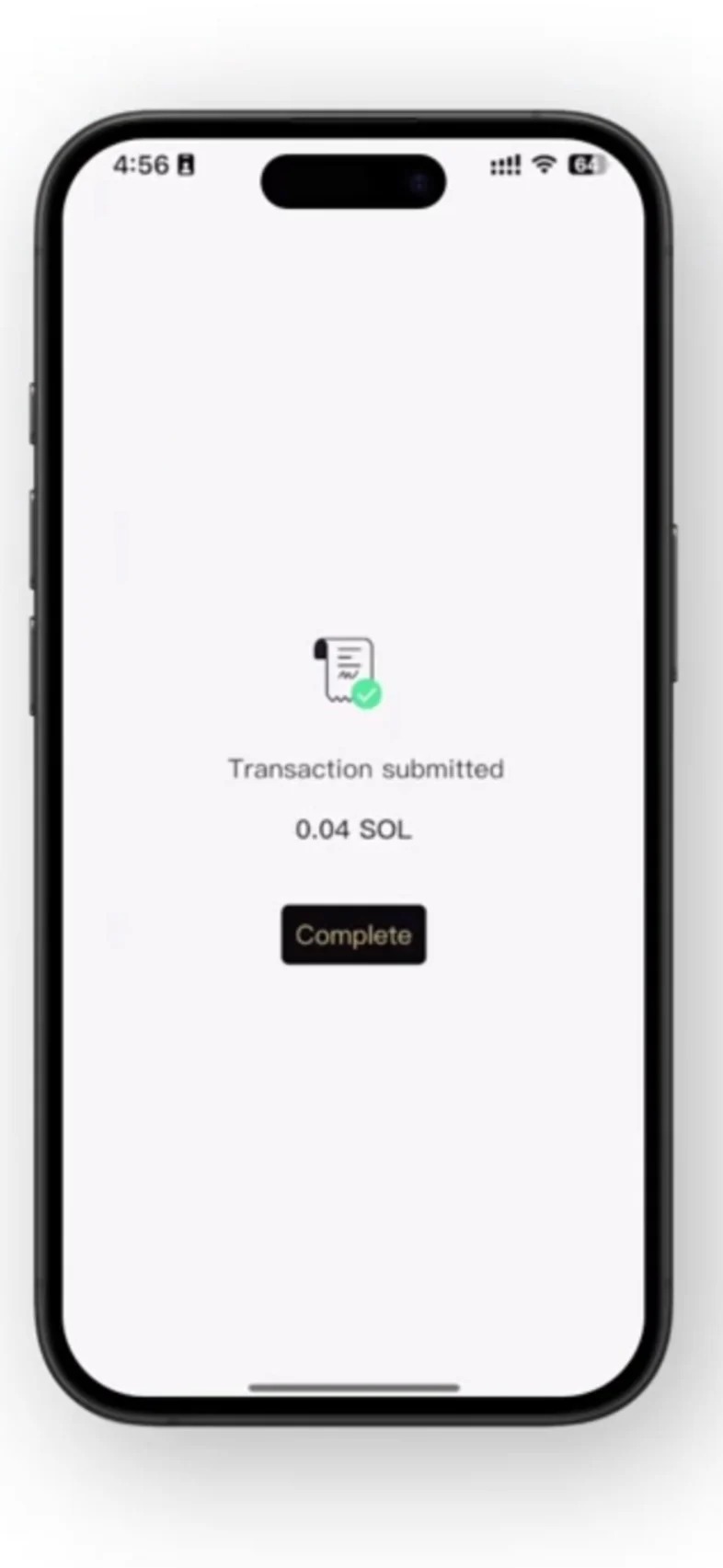
G. The transaction is completed.
Was this article helpful?
That’s Great!
Thank you for your feedback
Sorry! We couldn't be helpful
Thank you for your feedback
Feedback sent
We appreciate your effort and will try to fix the article