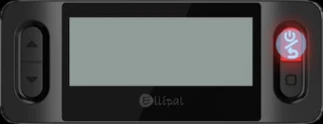
A. Press and hold the Power button to turn on your X Card Starter.
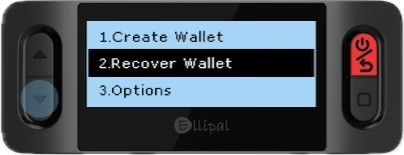
B. Select Recover Wallet.
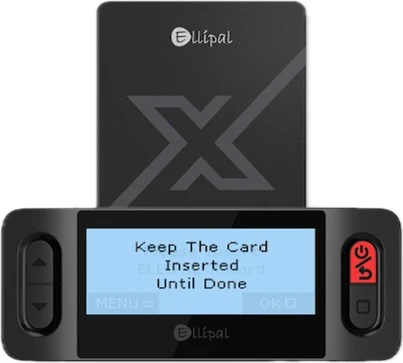
C. Insert a new X Card into the Starter.
Keep the card inserted until the recovery process is complete.
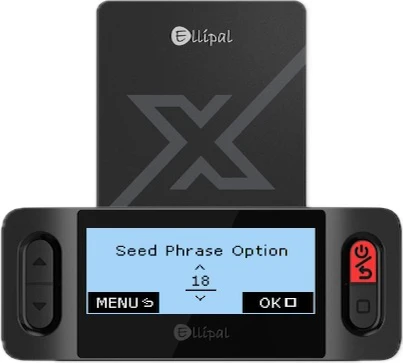
D. Choose the correct number of words in your seed phrase (e.g., 12, 15, 18, 21, or 24).
E. Carefully enter your seed phrase.
Only the first 4 letters of each word are required.
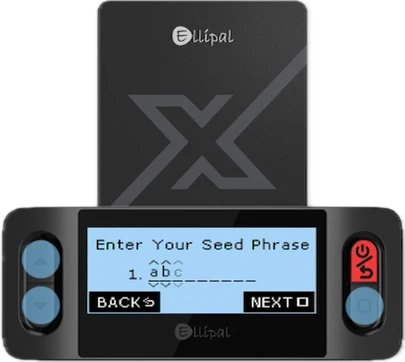
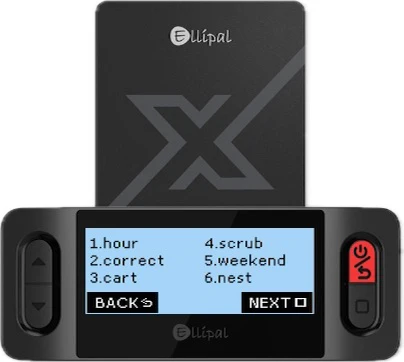
F. Verify your seed phrase.
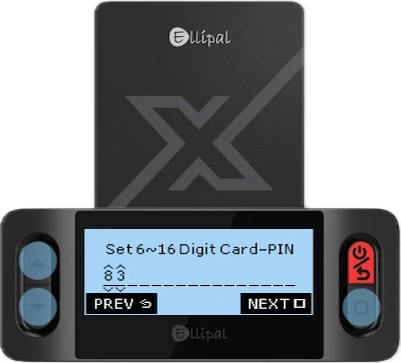
G. Set and confirm a new PIN code for your wallet.
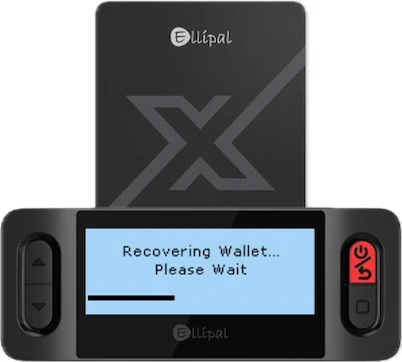
H. Wait for the Starter to finish the recovery process.
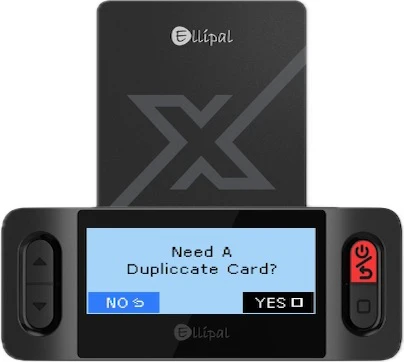
I. When prompted, select No if you don’t need a duplicate card.
Choose Yes if you want to create a backup card.
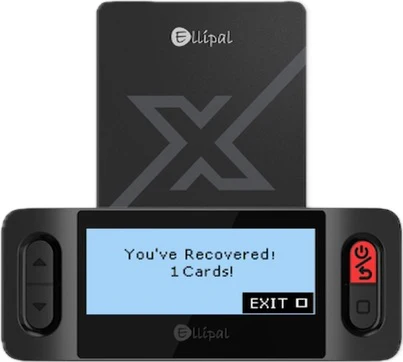
J. Your wallet has been successfully recovered!
Was this article helpful?
That’s Great!
Thank you for your feedback
Sorry! We couldn't be helpful
Thank you for your feedback
Feedback sent
We appreciate your effort and will try to fix the article